How to Create Bybit API Keys
To create Bybit API keys, please follow the steps below.
If you already have a Bybit account
Please log in to your account.
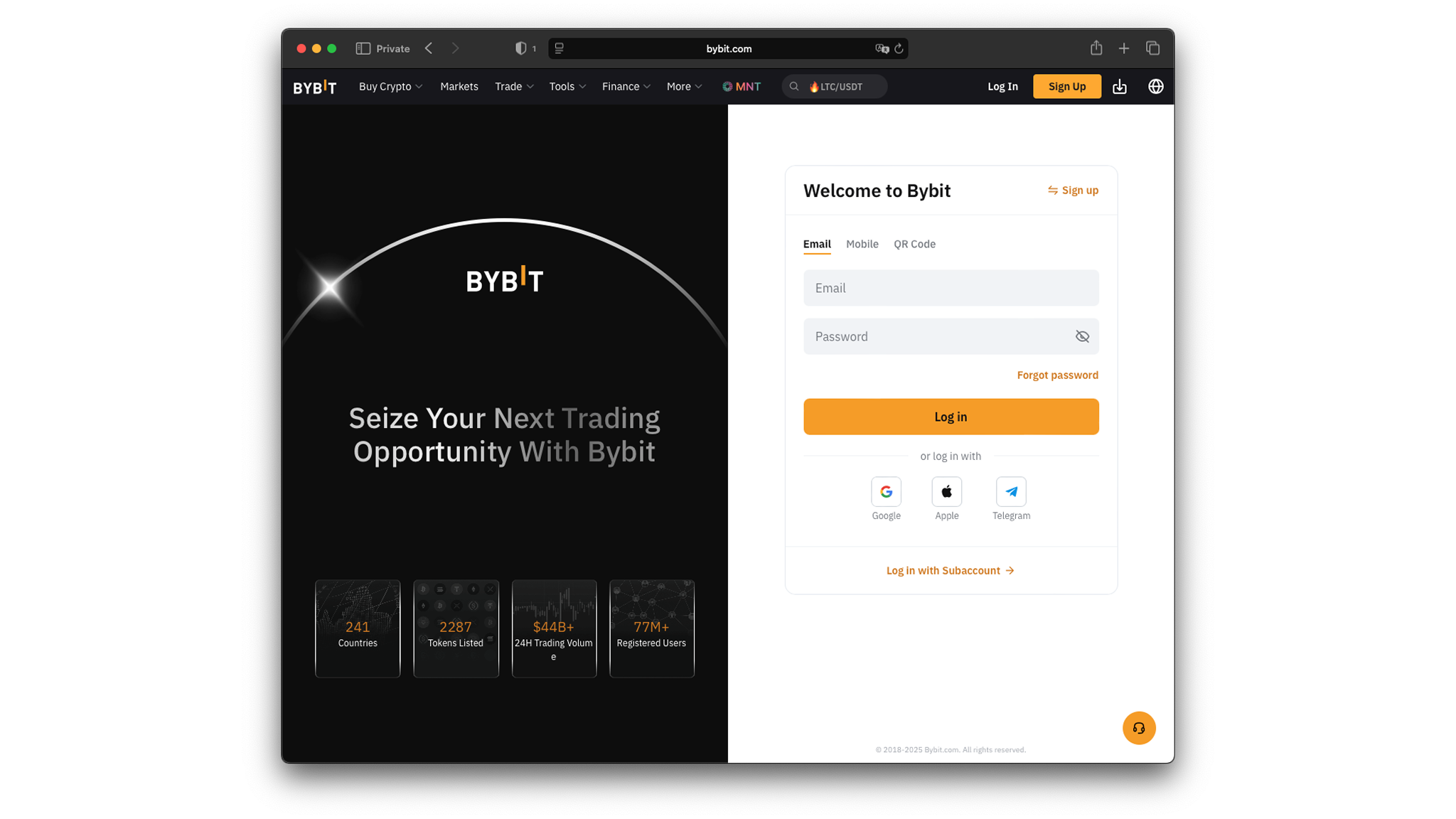
Create API Key
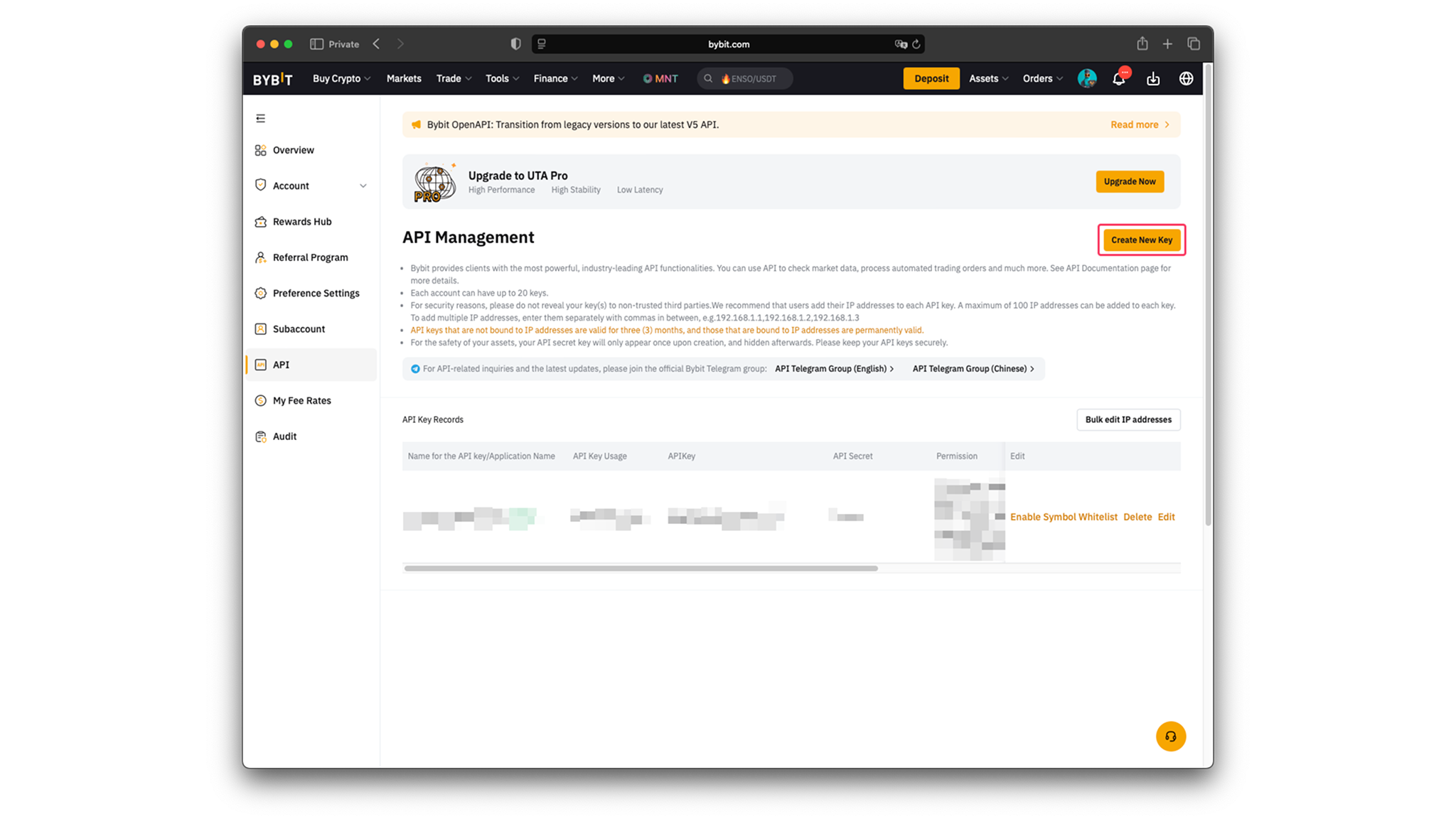
- Go to the API keys page
- Click on "Create API Key" button
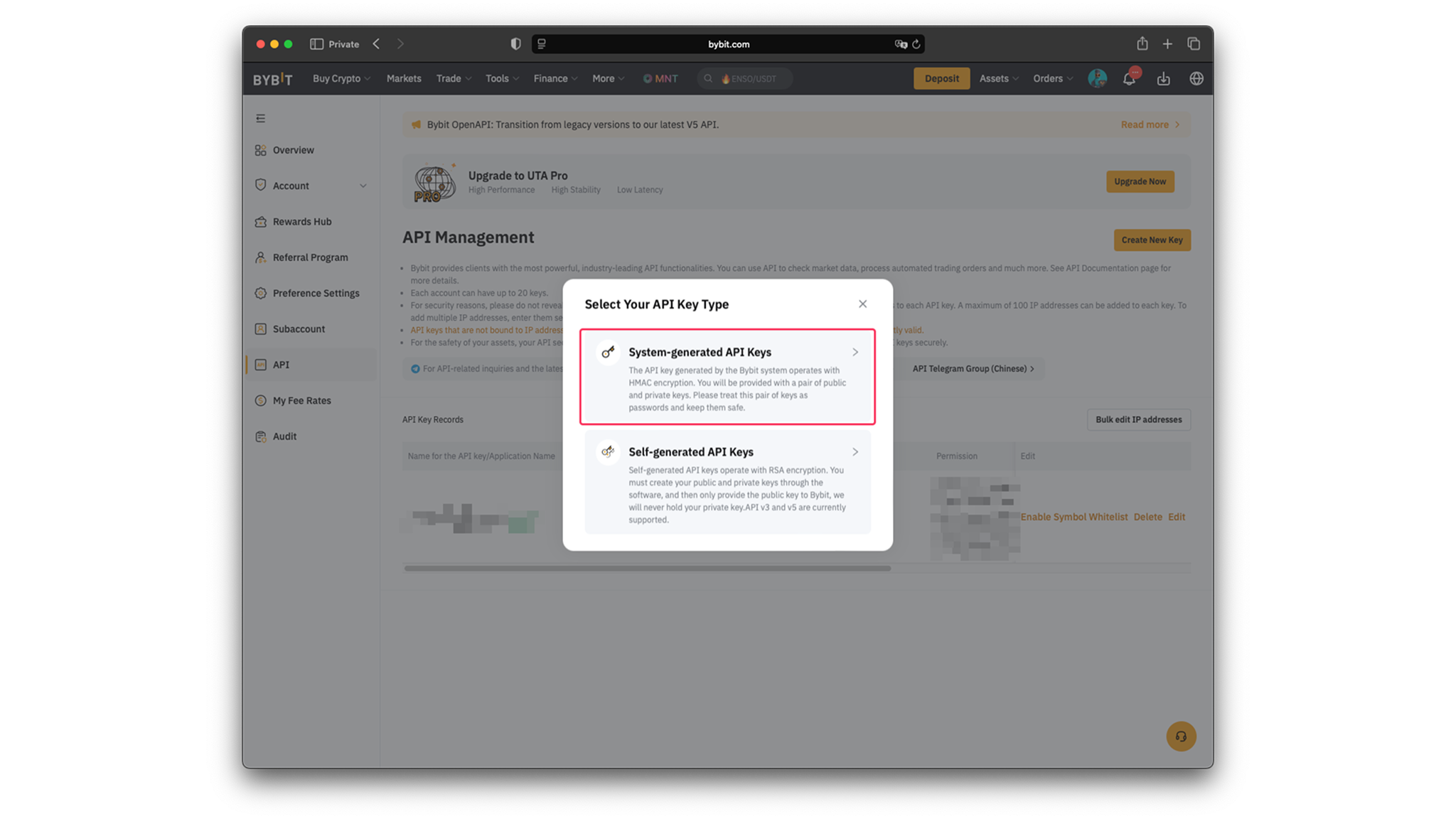
- Click on "System-generated API Keys"
- Fill in the form:
- "API Key Usage" — set to
API Transaction - "Name for the API key" — any string (e.g., "BlackSwan Bot")
- "API Key Permissions" — set to
Read-Write - Select "Unified Trading" — includes Contract, USDC Contracts and SPOT
- "API Key Usage" — set to
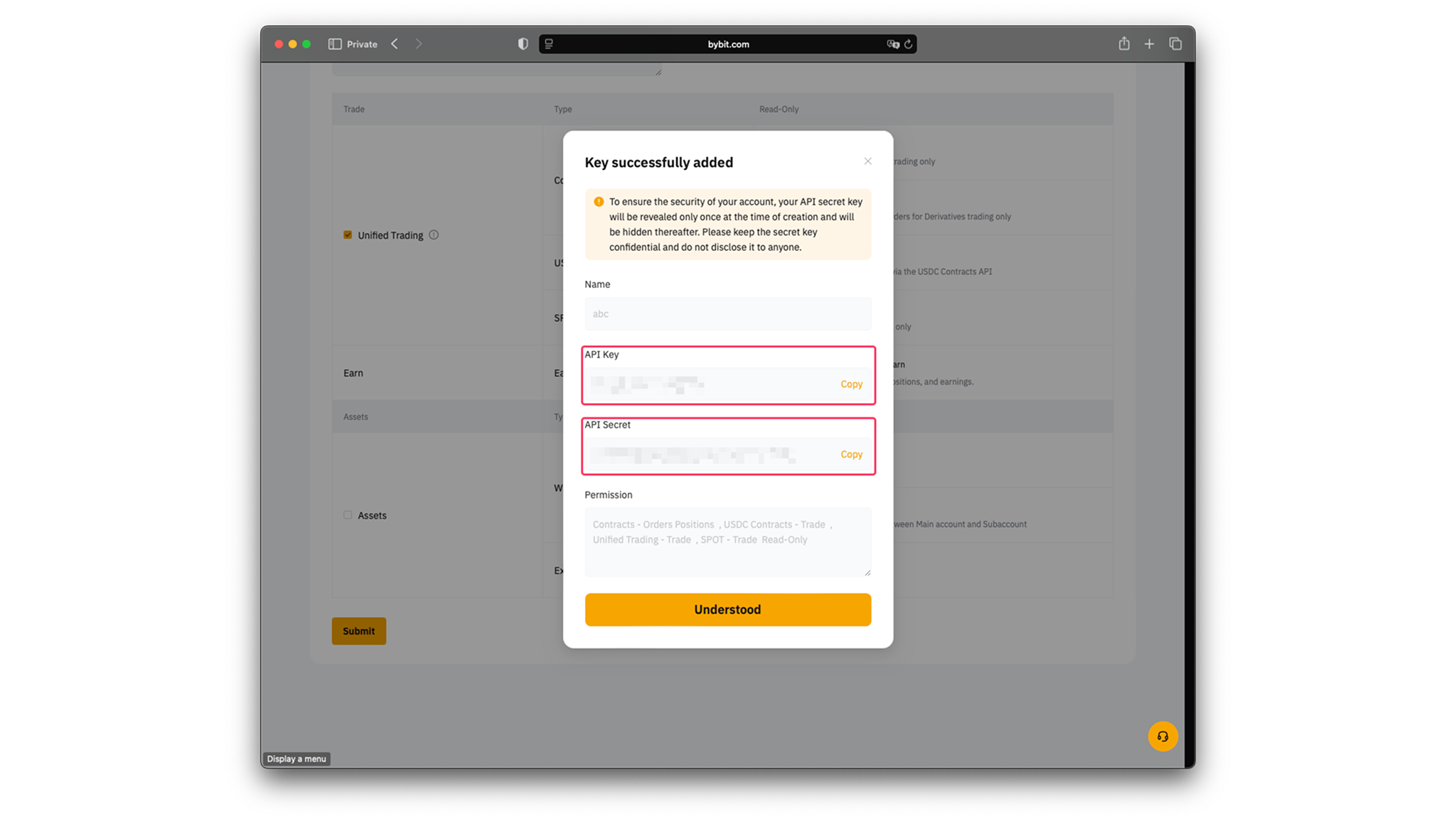
- Share the API key and API Secret key with the BlackSwan bot.

Telegram Bot
Then go to the Black Swan Telegram bot for further instructions.
Important Notes
- Only enable Read-Write permissions — never enable withdrawal access
- Your funds remain on Bybit at all times
- You can delete API keys at any time from Bybit's API management page
- The bot requires a Unified Trading account type